Open Canvas — a video editor shaped like a canvas.
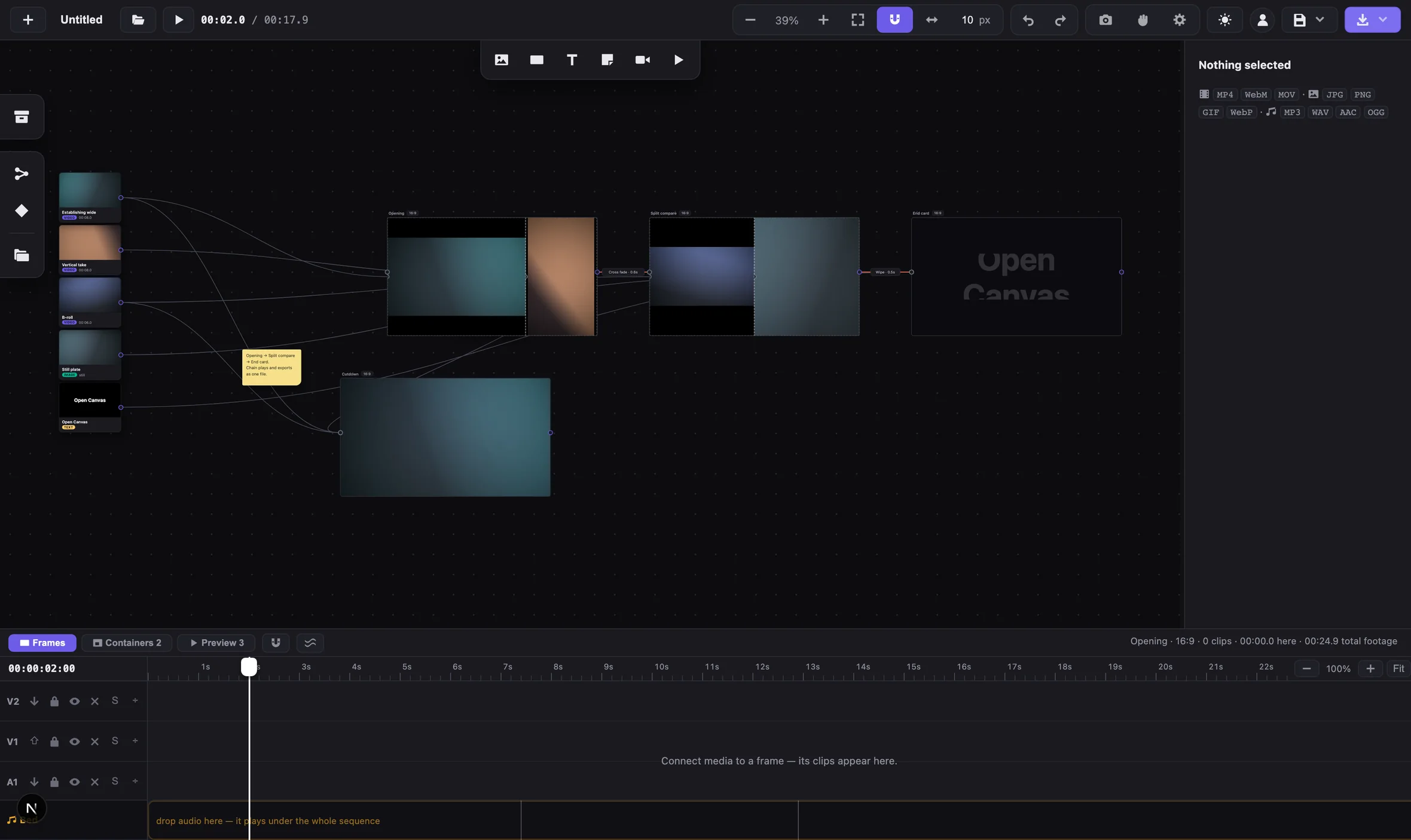
A Figma-style, node-based video editor that runs in the browser. Footage sits on an infinite canvas as nodes, you wire it into frames, and every frame gets its own timeline. Here is what that model buys, and the small decisions that shaped it.
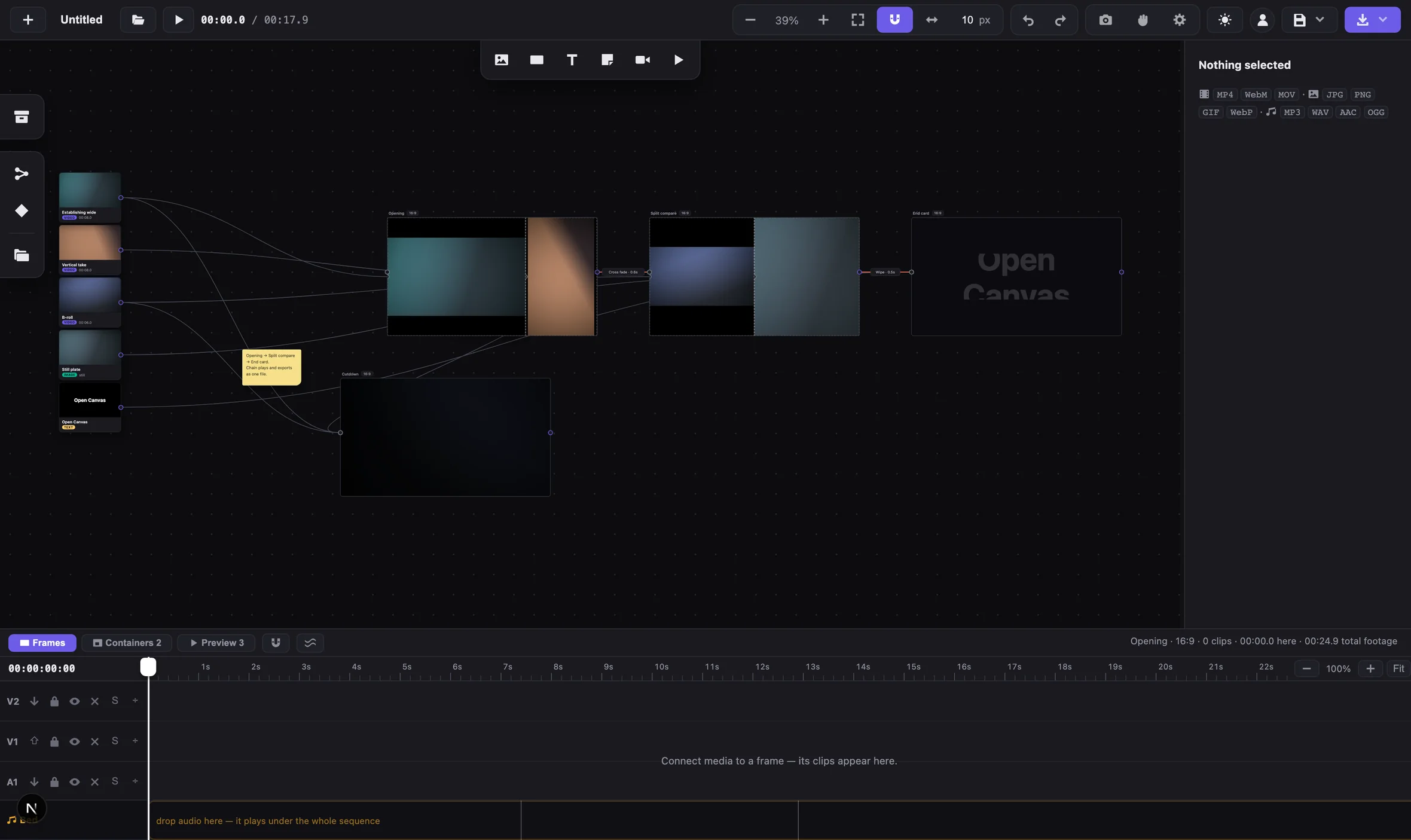
Everything lives on one surface. Footage included.
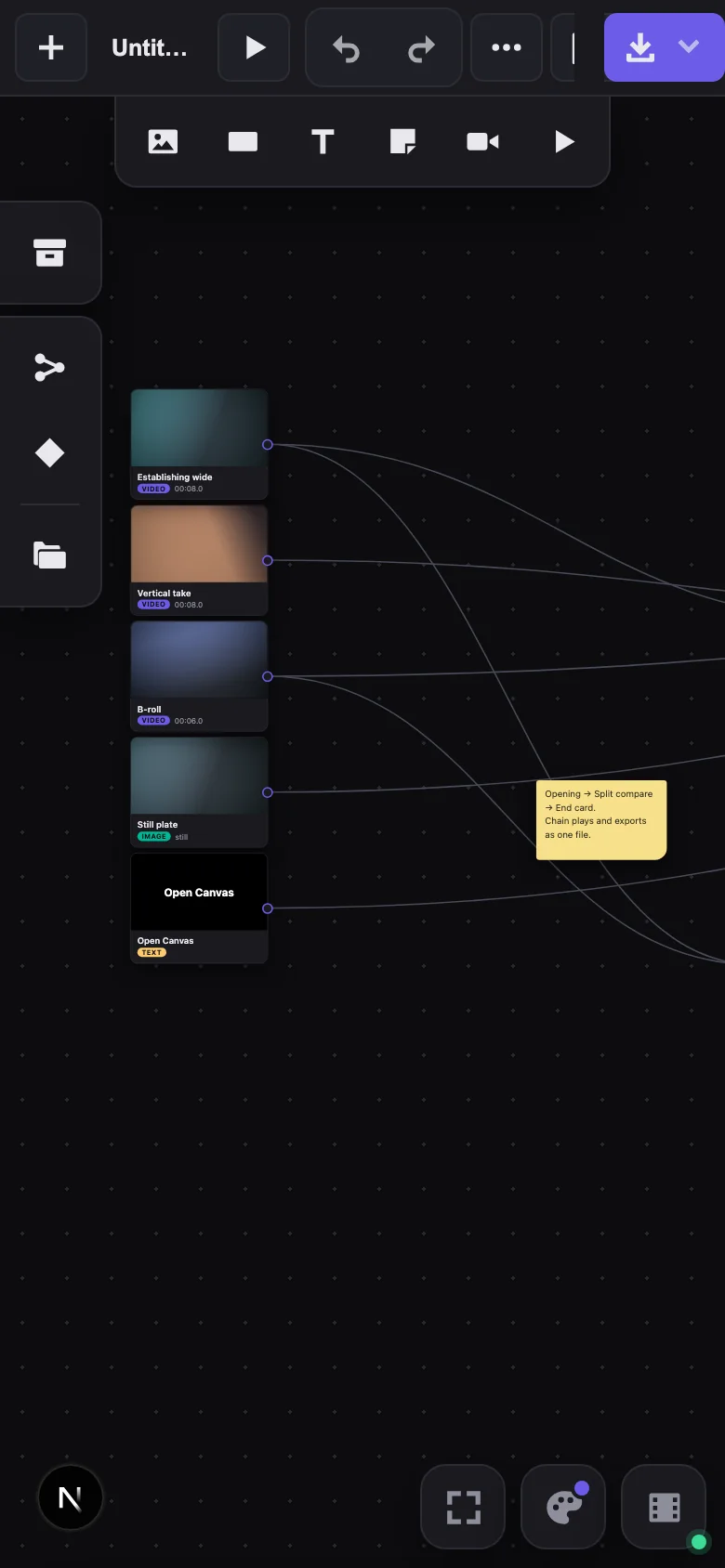
Most editors keep media in a bin — a list in a corner, where a clip is a filename until you scrub it. Here every asset is a node on the canvas, with its thumbnail, its kind and its duration on its face.
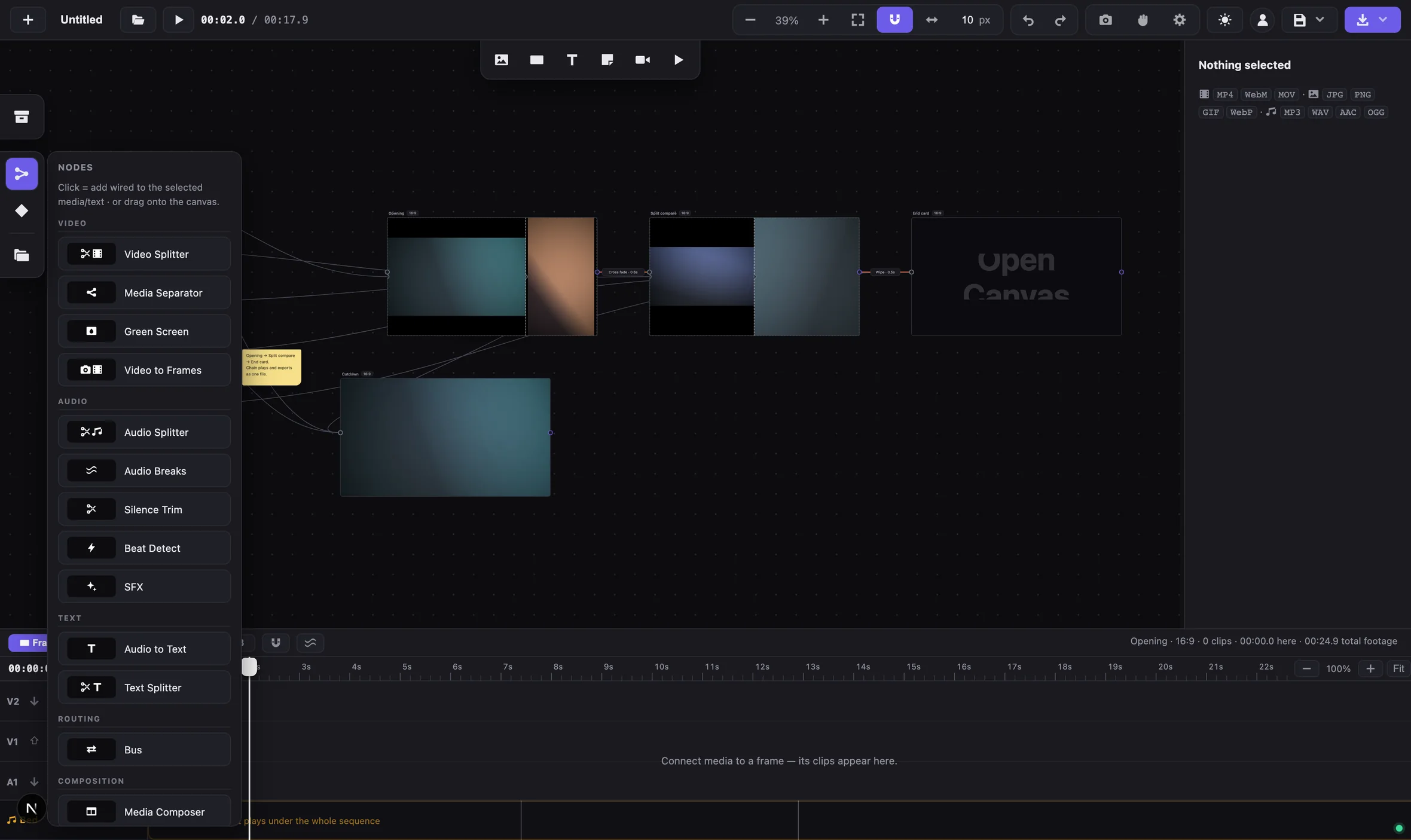
You wire those nodes into frames, the compositions that get exported. A wire is the real relationship between a clip and where it is used, so you can read what feeds each frame straight off the canvas.
Nothing gets cropped before you have seen it.
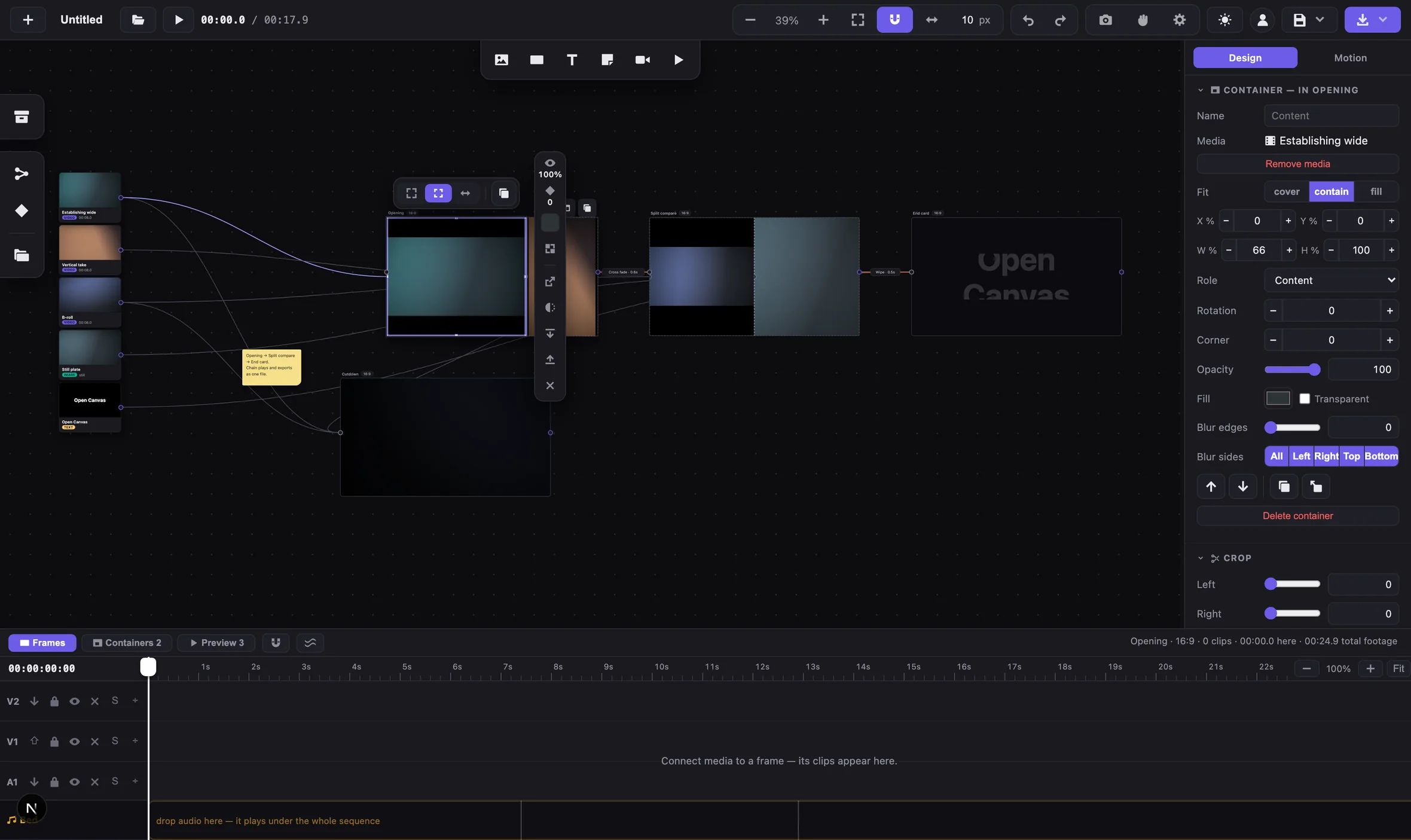
A frame can take a layout — split screens, talking-head overlays, grids — and each slot in it is a container. Media dropped into a slot used to fill it. Filling means cropping, and cropping on arrival throws away part of every clip before anyone has looked at it. It is worst with a tall phone video in a wide slot.
So media now arrives whole, and cropping waits until you ask for it.
A slot that crops on sight makes a decision you have not made yet.
The eight handles drag the picture’s own box, anchored on the side opposite the one you grab. The container works as a mask, so nothing can squash or stretch the image. Only one set of handles is ever on screen, and Esc walks back out one level per press.
A real editing timeline, for every frame.
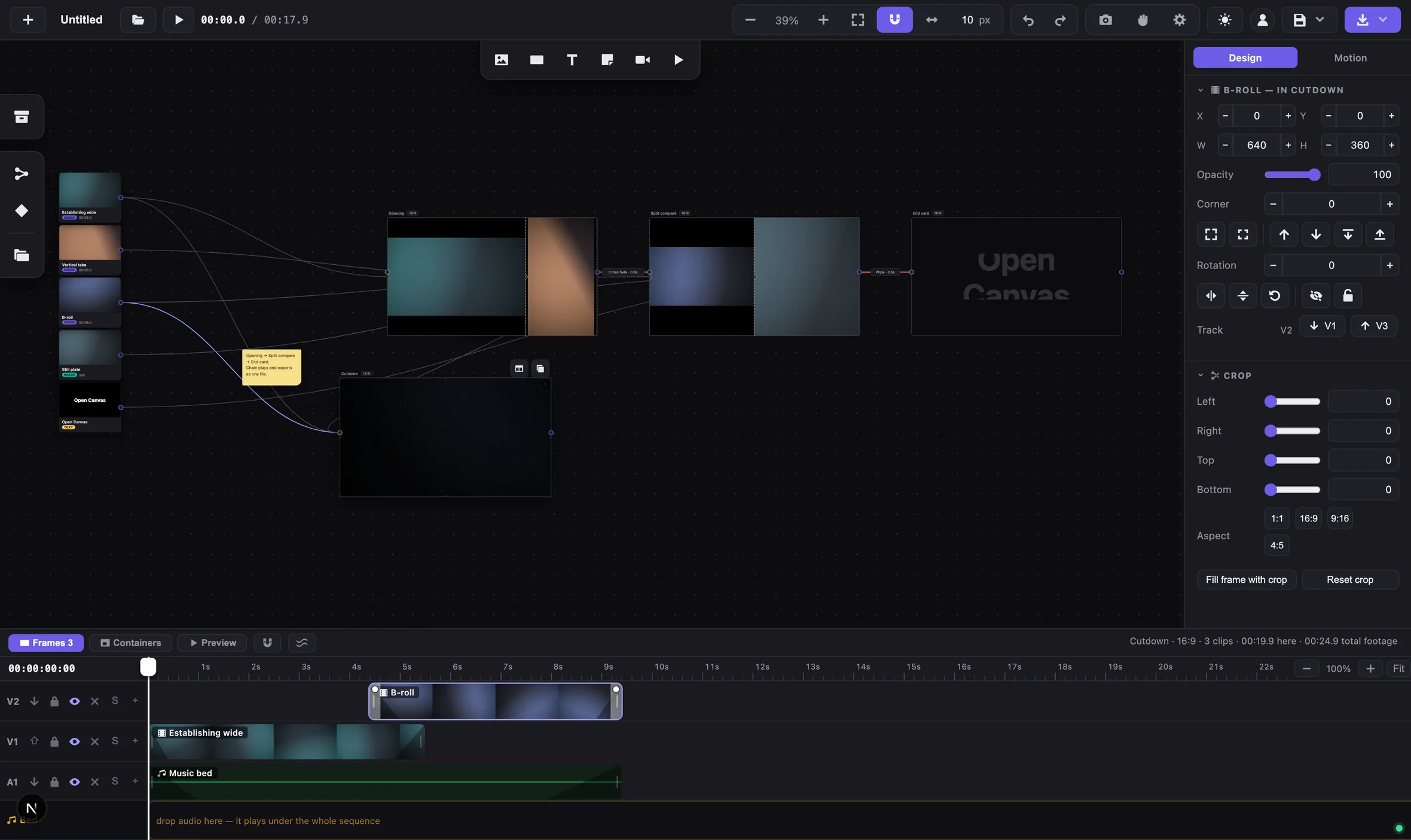
Node editors tend to stop at the graph, which works until a clip needs to start four and a half seconds in and fade out over half a second. So each frame has its own track timeline under the canvas: stacked video tracks, audio beneath them, filmstrips on the video and waveforms on the audio.
The tracks use the labels editors already know — V1 V2 A1. Trim, split, speed, fades and volume sit where you would expect them.
Chain frames and they export as one video.
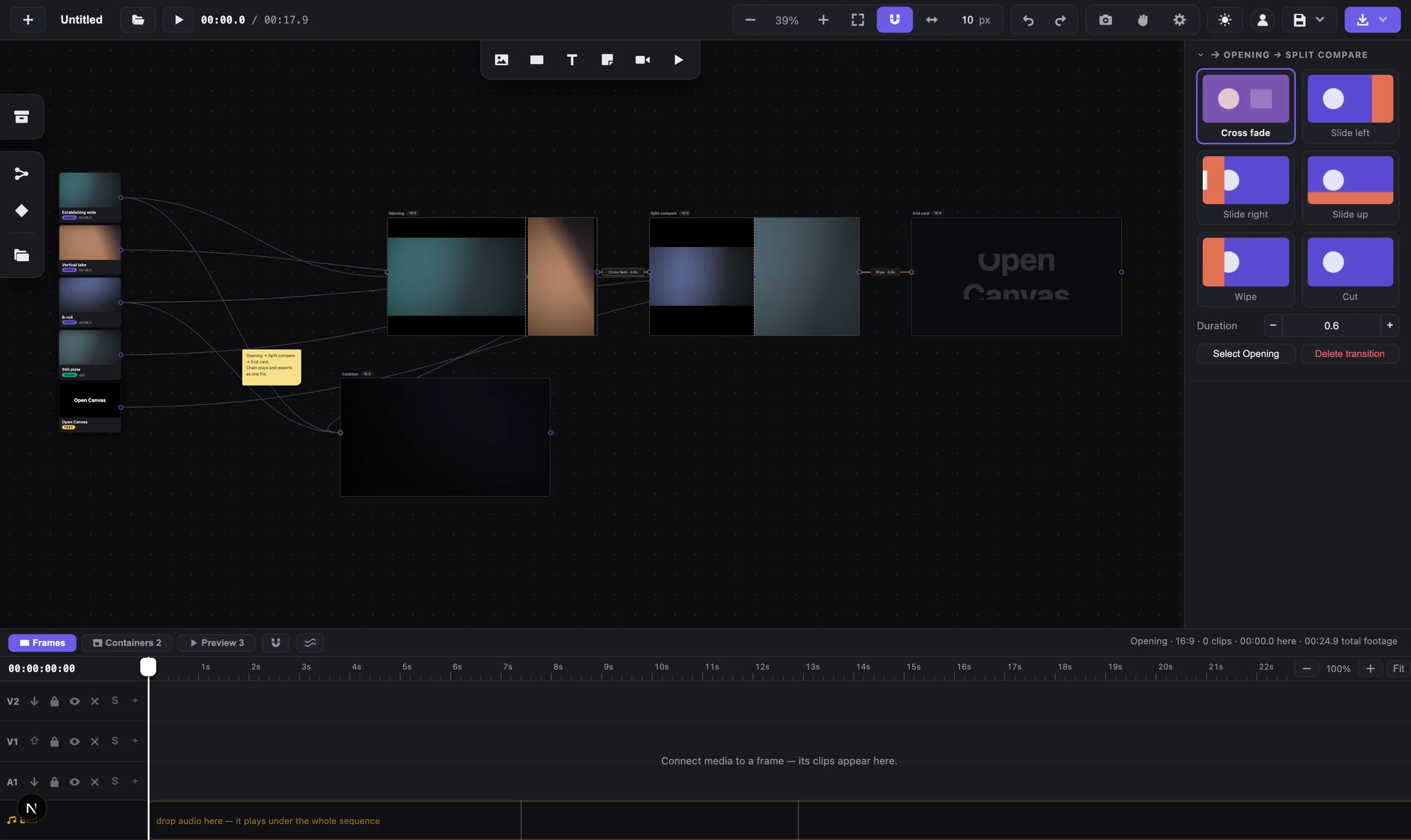
Link one frame to the next and they play through as one piece, and export as one file. The transition lives on the wire between them, labelled with its type and length, so the rhythm of an edit reads without pressing play.
Unlinked frames each export on their own. There is no separate sequence object to keep in sync — the wire is the sequence.
The same project, on a phone.
The canvas takes the whole window. The properties panel and the timeline become sheets on a thumb rail, and two fingers pinch-zoom the canvas. Same project file, same graph, same export.
What actually comes out of the export.
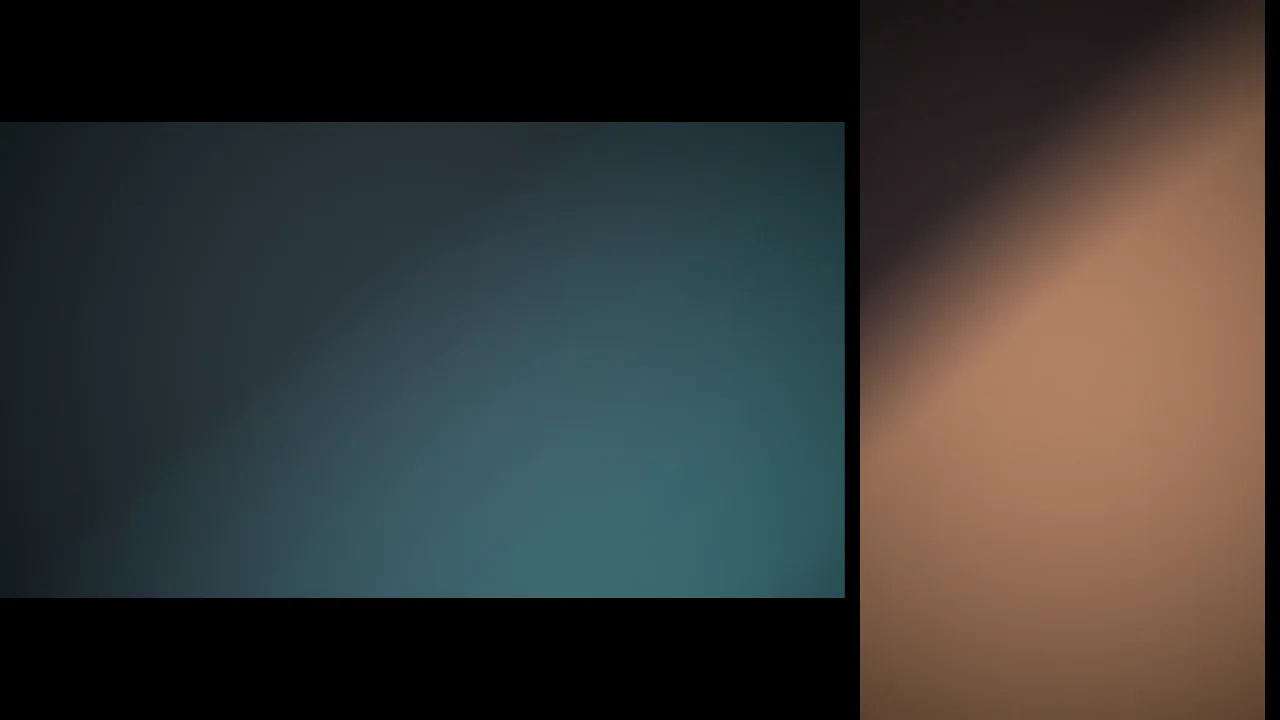
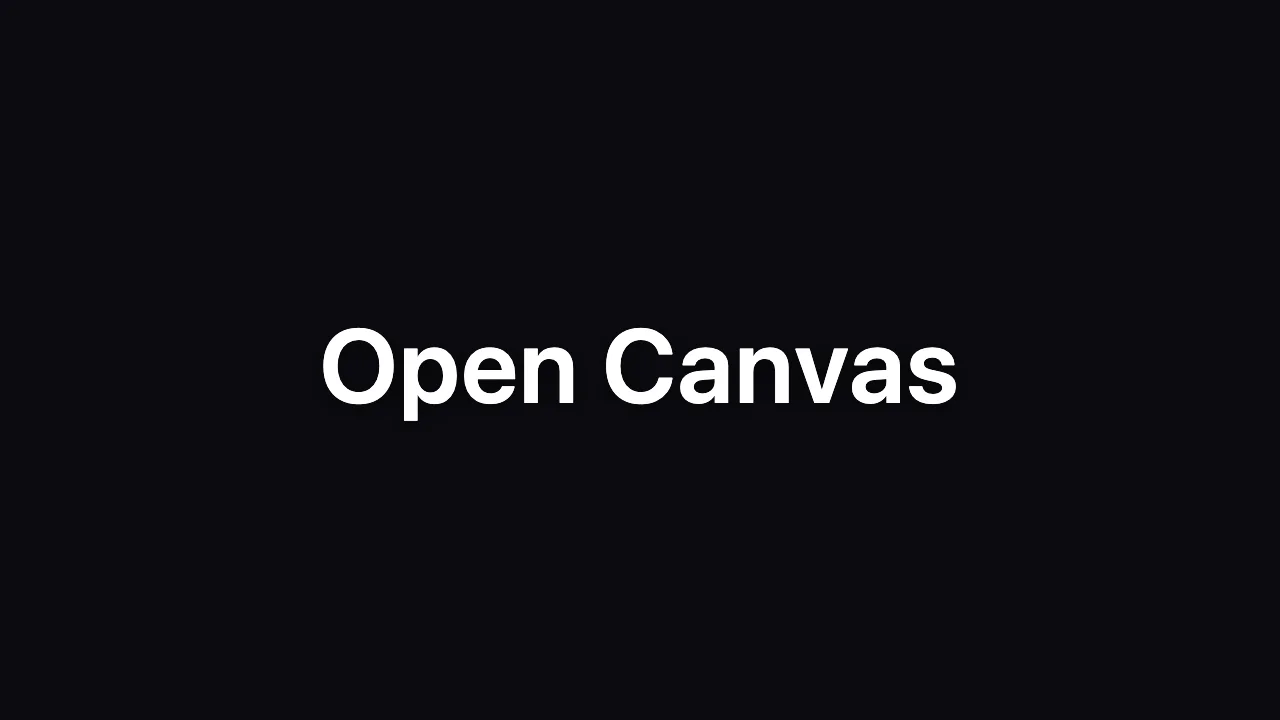
These two frames came from the render path, not from the preview. Export records the canvas in real time — MP4 with H.264 and AAC where the browser can record it, WebM otherwise — at 30 fps, up to 4K. Editing and export run on your machine; footage only leaves it if you choose to save it to your account.
There is no emoji anywhere in the interface. Every glyph is a stroked SVG from one 24 × 24 sprite — 87 symbols drawn in the current text colour — so the interface follows its theme and looks the same on every machine.